Remote Control
Run your systems from your phone
With Remote Control you release trades and manage your Lab of Trades systems – from your phone or any browser, without your trading hardware ever leaving your desk.
LOT on your computer stays the control centre – with Remote Control, the controls are in your hand wherever you are.
$9 per month · $90 per year · runs in the browser, nothing to install
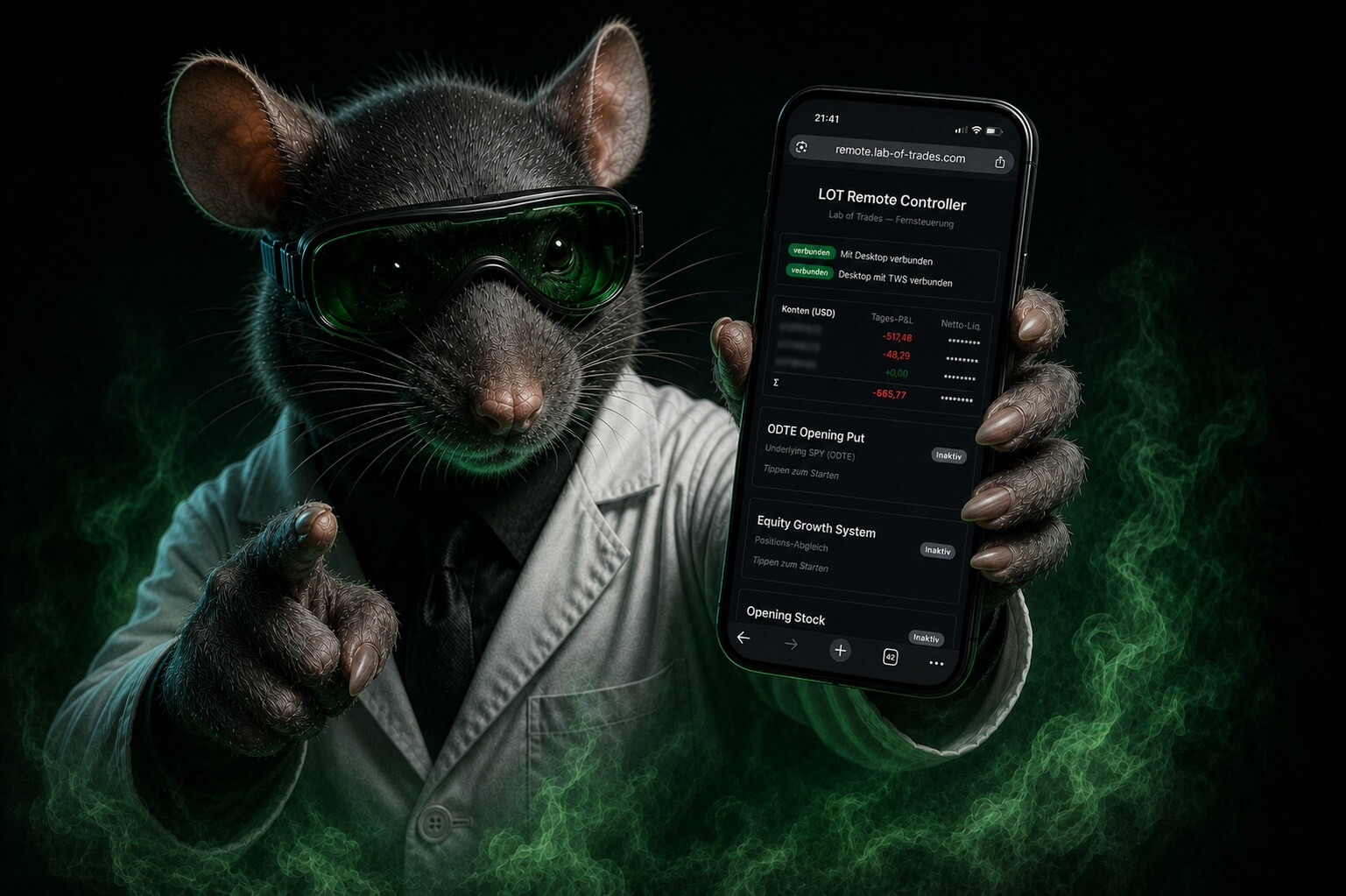
Not everyone is at their desk
when the market opens.
Most people who trade with Lab of Trades have a job. The PC is running at home, the systems are working – you are just in a meeting, on a train or somewhere else entirely. Until now that meant: either you are at your computer – or you miss the trade.
Remote Control is an add-on for the systems of Lab of Trades. Today it lets you control the Equity Growth System and the Opening Put.
What you can do with it
Release, switch, see
The Opening Put is usually decided between 10:20 and 10:40 a.m. Eastern Time – and hardly anyone is sitting at a desk at home then. That narrow window is exactly what Remote Control solves.
What is triggered is the complete order. It is still executed by Lab of Trades on your computer – both Lab of Trades and the Trader Workstation have to be running there. If the computer is off, nothing happens.
Start and stop systems
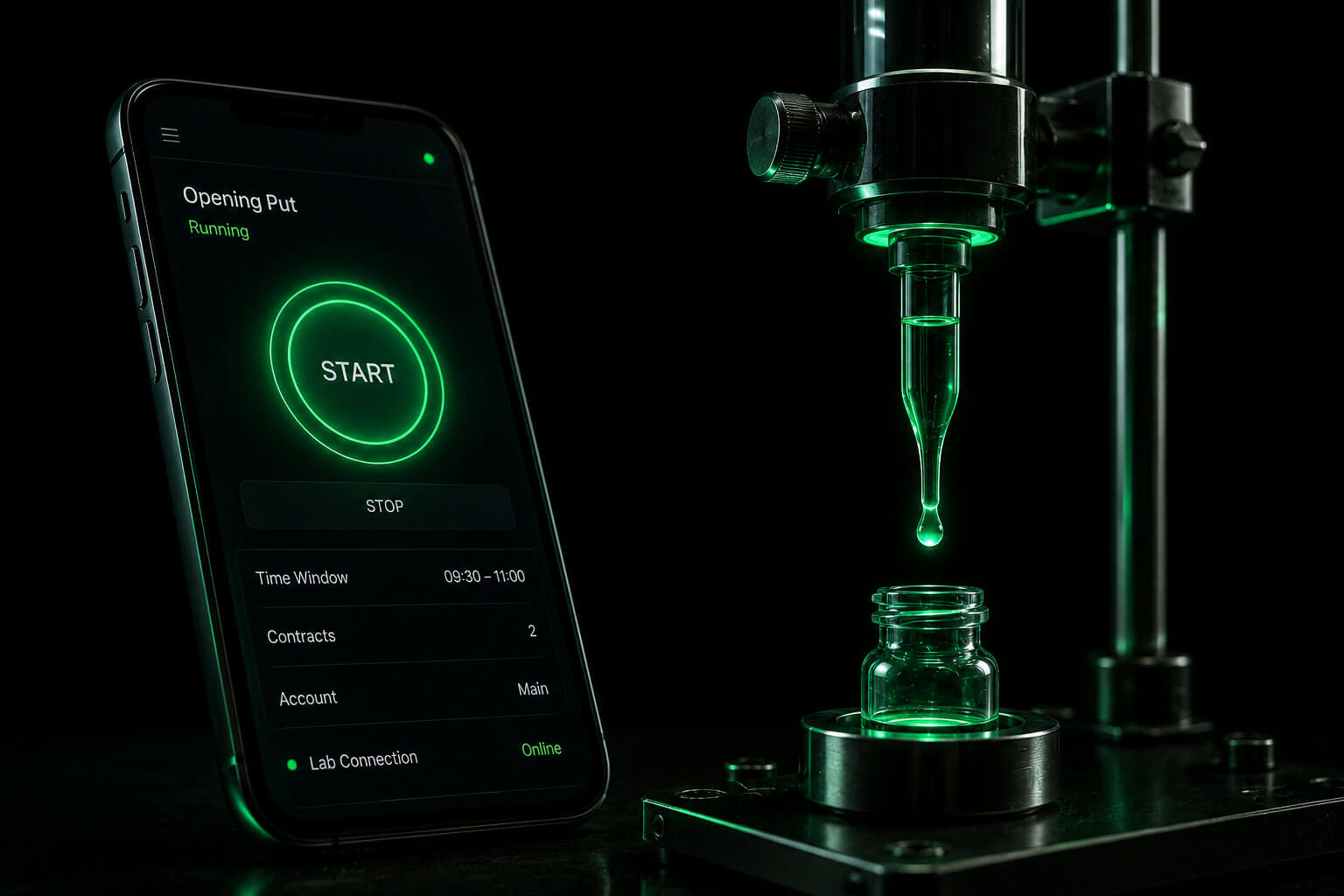
One tap starts a run – the Opening Put or the Equity Growth System, for instance – and a second one ends it if you no longer want it today. You set the parameters directly in the form: time window, thresholds, quantity, account – with the same defaults and drop-down lists as on the computer.
Always the current state
You see live which phase a system is in, which values it is actually running with and what it is reporting right now. Plus the connection status between your computer and the Trader Workstation – so you know not only what the system intends to do, but also whether the line is up.
Your numbers per account
Daily P&L and net liquidation value, separated by account – in the account currency or converted, as you prefer. No detour through the broker interface just to see where you stand.
No second setup
Remote Control runs in the browser – on Android, iOS, phone or tablet. Nothing to install, no second account, no setting everything up again. Scan the QR code on your computer, compare the code, done.
In four steps
How it works
Subscribe to a system
Remote Control is an add-on – first you need a system for it to control: today the Equity Growth System or the Opening Put.
Add Remote Control
$9 a month on top of your system subscription, cancellable monthly. It runs in the browser – there is nothing to install and no second account to create.
Pair at your computer
Lab of Trades shows a QR code on your computer; you scan it with the device you want to pair. A six-digit number then appears on both screens. If they match, the connection is exactly the one you are establishing right now – and no other.
Assign rights and confirm
You confirm on the computer and decide what the device may do: full control or deliberately read-only. Every device can be revoked individually later on.
And then: put it on your home screen once
Remote Control is a website – which means you can put it on your home screen like an app. On iPhone via “Share → Add to Home Screen”, on Android via the browser menu. No app store, no installation – best set up right after pairing.
To remember or type in: remote.lab-of-trades.com

Why you can rely on it
Four design decisions
that protect you
What you control stays between your devices.
Not because we promise to look away – but because the keys live only on your two devices. We hold none. And access to your broker never leaves your computer. That is not a promise, that is how it is built.
-
01
Your broker credentials stay at home
Remote Control transmits commands and status data – never credentials. The connection to your broker is held exclusively by your computer, through the Trader Workstation.
That has a consequence which matters to us: there is nothing in the cloud that could be used to control an account. Even if someone took over our servers, they would have no access to your money.
EvidenceNo broker credentials in transitno payloads storedbroker connection local only
-
02
End-to-end encrypted – nobody in between reads along
Every message between your device and your computer is encrypted. The keys for it are negotiated by your two devices directly with each other – they exist nowhere else.
Every station in between is blind, our own relay server included. To it, each message is a sealed package that it passes on unchanged. It holds no keys, can read nothing, change nothing and stores no content. Only your own device can open the package.
EvidenceAES-256-GCMkey exchange ECDH (P-256)transport additionally secured with TLS
-
03
New devices are approved at your computer
Which devices get access is something you decide directly at your computer. A new connection has to be confirmed there by you – this step cannot be bypassed remotely. After that, every device receives only the rights you explicitly give it.
EvidenceSix-digit comparison codeconfirmation mandatory on the computerrights per device, individually revocable
-
04
Both sides identify themselves every single time
On every reconnection, computer and device confirm each other’s identity – with the keys anchored during pairing. Recorded old connections cannot be replayed, and downgrading to a weaker procedure is not possible.
In the browser, the private keys are held as non-exportable key objects: they cannot leave your device’s crypto environment – not even if you asked them to.
EvidenceMutual authentication ECDSAreplay and downgrade protectionnon-exportable keys
What it deliberately does not do
Your computer keeps the final word
A switch in your pocket is only as good as the instance that checks it. That is why Remote Control is not a second decision-maker but a remote control – decisions are still made where your rules live.
- Every command is fully re-checked on the computer – against the rules of the system and against the limits you have set. Outdated or inadmissible input is rejected, not quietly bent into shape.
- The parameters of a running system cannot be changed in passing. Stop first, then start again with new values – two explicit steps. That is intentional: a half-changed run is the state in which mistakes are made.
- Every remote action is visible on the computer. There is nothing that happens on the phone and stays invisible at the desk.
Requirements
What you need
Lab of Trades runs on your computer and on your own broker account. Check these four points before you start – the video walks you through the setup in three minutes.
A computer running Windows, Mac or Linux
You install Lab of Trades on it like any other program.
A broker account with the Trader Workstation (TWS)
With Interactive Brokers or one of its resellers.
API access enabled in the TWS
A checkbox in the Trader Workstation settings. The video shows where to find it.
During trading hours: computer on, TWS and Lab of Trades open
Without a running TWS the software cannot build an order. This also applies with Remote Control: it connects to exactly this computer.
More step-by-step guides are on the tutorials page.
For Remote Control, you also need
- At least one subscribed system – today the Equity Growth System or the Opening Put. Remote Control is an add-on, not a product of its own: without a subscribed system there is nothing to switch.
- A device with a current browser – phone or tablet, Android or iOS. Nothing more.
The price
A subscription of its own
$9 per month
Cancellable monthly. Remote Control is added to your system subscription and can be cancelled again at any time. There is no free mode here – the Lab of Trades account itself is free, this tool is not.
No system yet? Take a look at the Equity Growth System or the Opening Put.
Can I really release a trade while I am away?
Yes, and the complete order – under the conditions you set in Lab of Trades beforehand. The executing instance remains Lab of Trades on your computer: Remote Control is only the trigger.
Can anyone read what I am switching?
No. Every message between your device and your computer is end-to-end encrypted, and the keys for it live exclusively on your two devices – we hold none. To our own relay server, each message is a sealed package it passes on without being able to open it. And your broker credentials never leave your computer anyway. The four design decisions in detail
What happens if I lose my phone?
You revoke the pairing on your computer – individually, immediately, without us. After that the device is out. More importantly: there are no broker credentials on the device. Whoever finds it finds no way into your account.
Do I have to pair again every time?
No. The pairing stays in the browser you set it up in – you simply open Remote Control again. You only need to pair again if you use a new device or clear your browser data.
What if my computer at home goes offline?
You see the connection status in the view. If the computer is not running, there is nothing to release and nothing to switch – Remote Control is the remote, not the device.
Can I subscribe to Remote Control on its own?
No. Remote Control is an add-on and can only be booked together with a running system subscription – today the Equity Growth System or the Opening Put. Without a system you would have a remote without a device.
Important notice: Lab of Trades is a technical tool and does not provide investment advice. Remote Control transmits commands and status data; execution takes place exclusively through your own computer and your own broker account. Trading securities and derivatives involves substantial risk and is not suitable for every investor. Losses can reach the amount invested and – depending on the strategy and account type – exceed it.